 Flash
Flash 
First steps and profiles
On first launch, Flash Vocal — Division asks you to create a child profile: their first name and, depending on the app, their level or progression. Sessions, stars and statistics are attached to this profile.
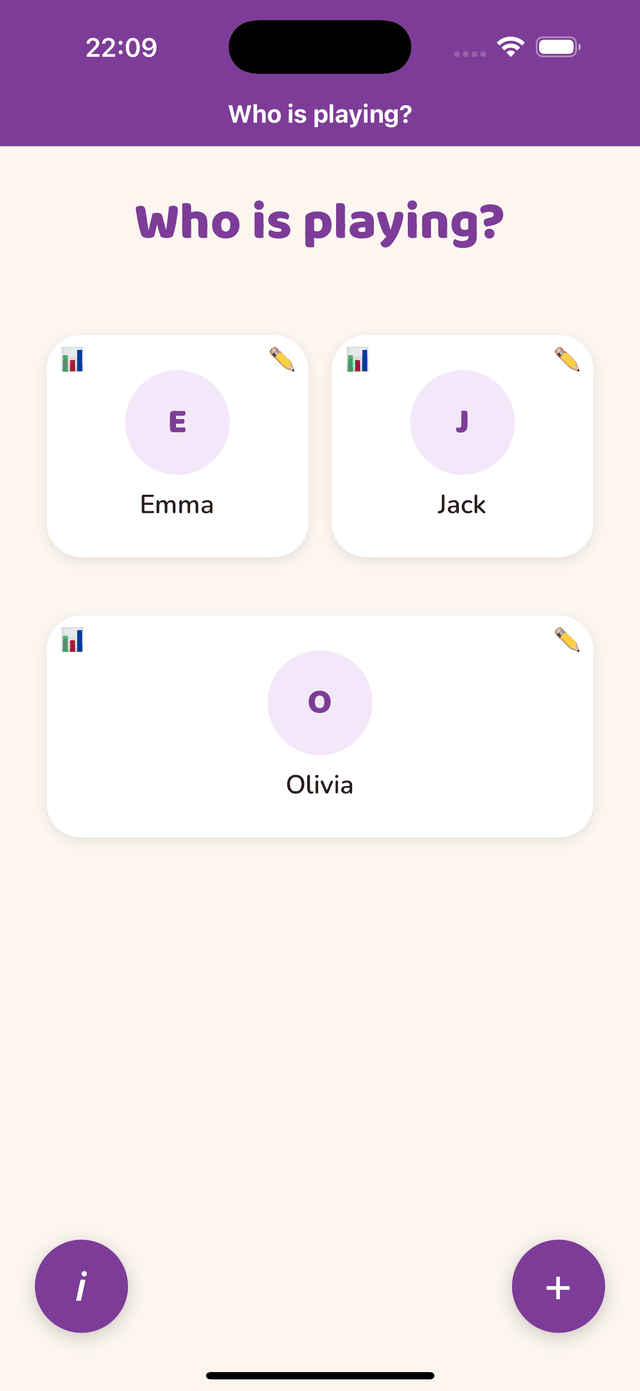
Several children
Each child has their own profile and their own path. One profile is included for free; additional profiles are part of the subscription (Family: 3 profiles, Education: 30 profiles). Switch child from the home screen by tapping the displayed first name.
Editing or deleting a profile
The child’s card (profile icon) lets you correct the first name, set the daily reminder and delete the profile with its whole history. Nothing leaves the device: there is no account, no sync, no online backup — switching device does not transfer profiles.